For customers
Browse categories, choose options and adjust quantities. Check out for pickup or delivery, then follow progress on a private order page that updates automatically.
Do you want something?

Ordering, on your website.
A catalog and cart for your customers. An order dashboard for your business. A delivery console for your drivers. Bring them together with dyws.
In development. The public demo uses fictional orders and simulated GPS.
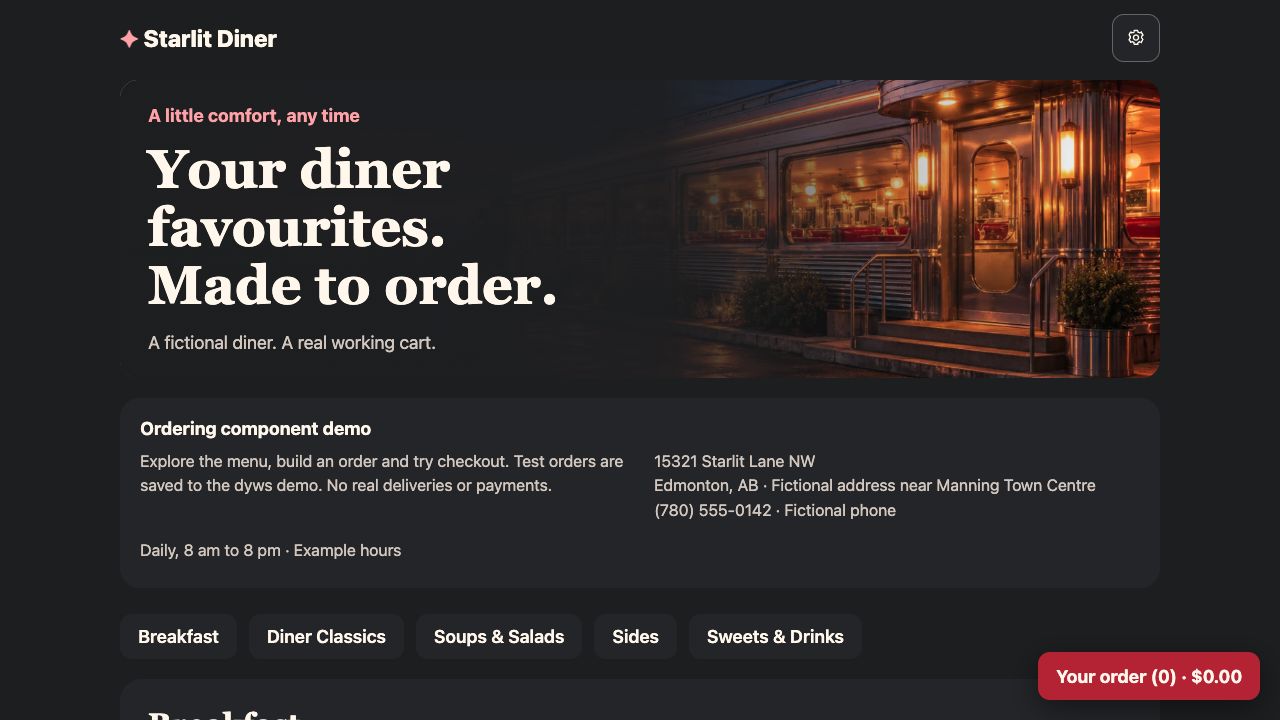
Browse categories, choose options and adjust quantities. Check out for pickup or delivery, then follow progress on a private order page that updates automatically.
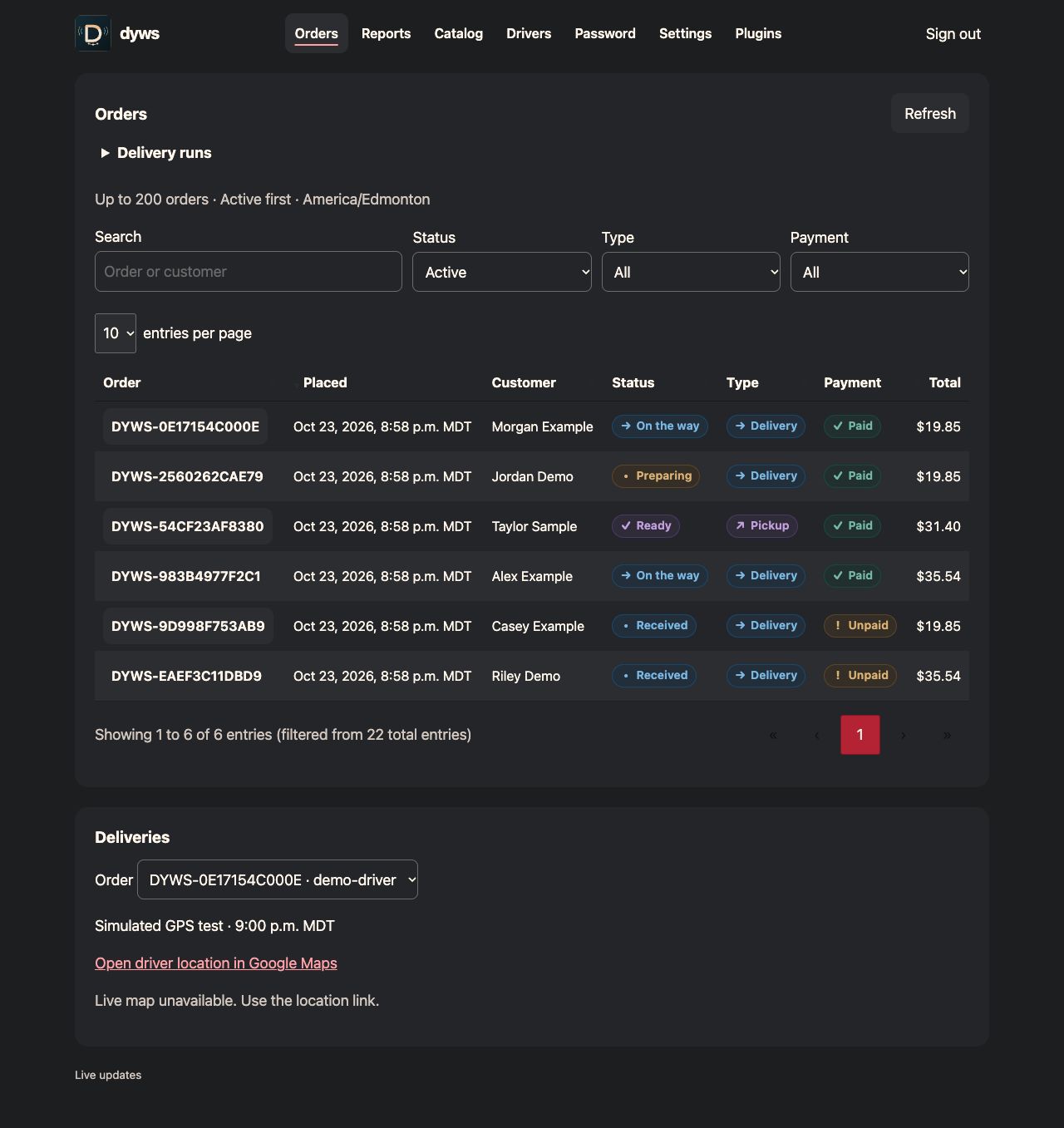
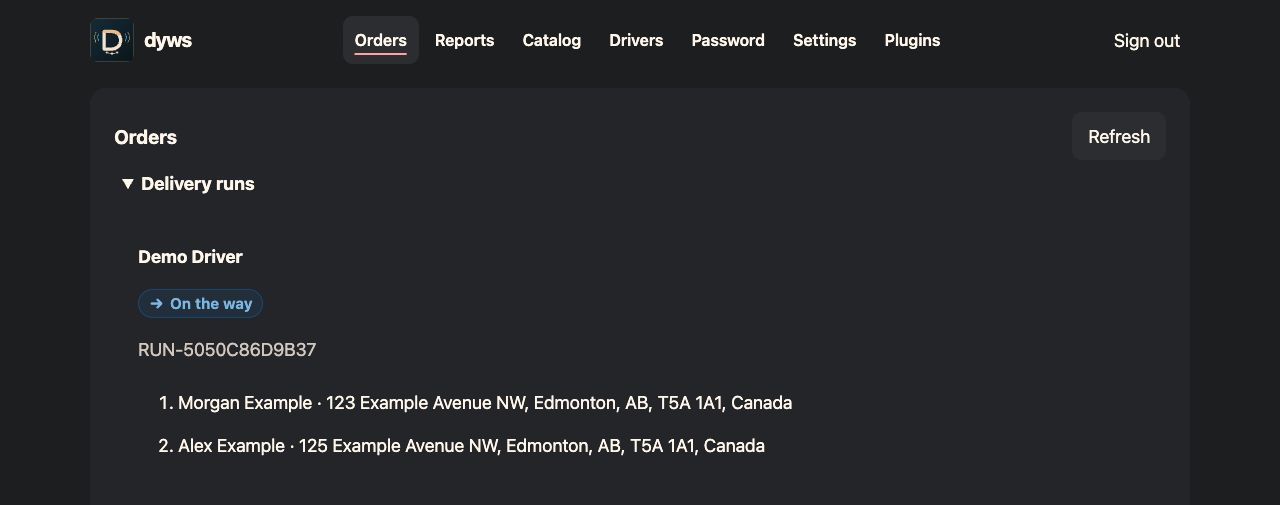
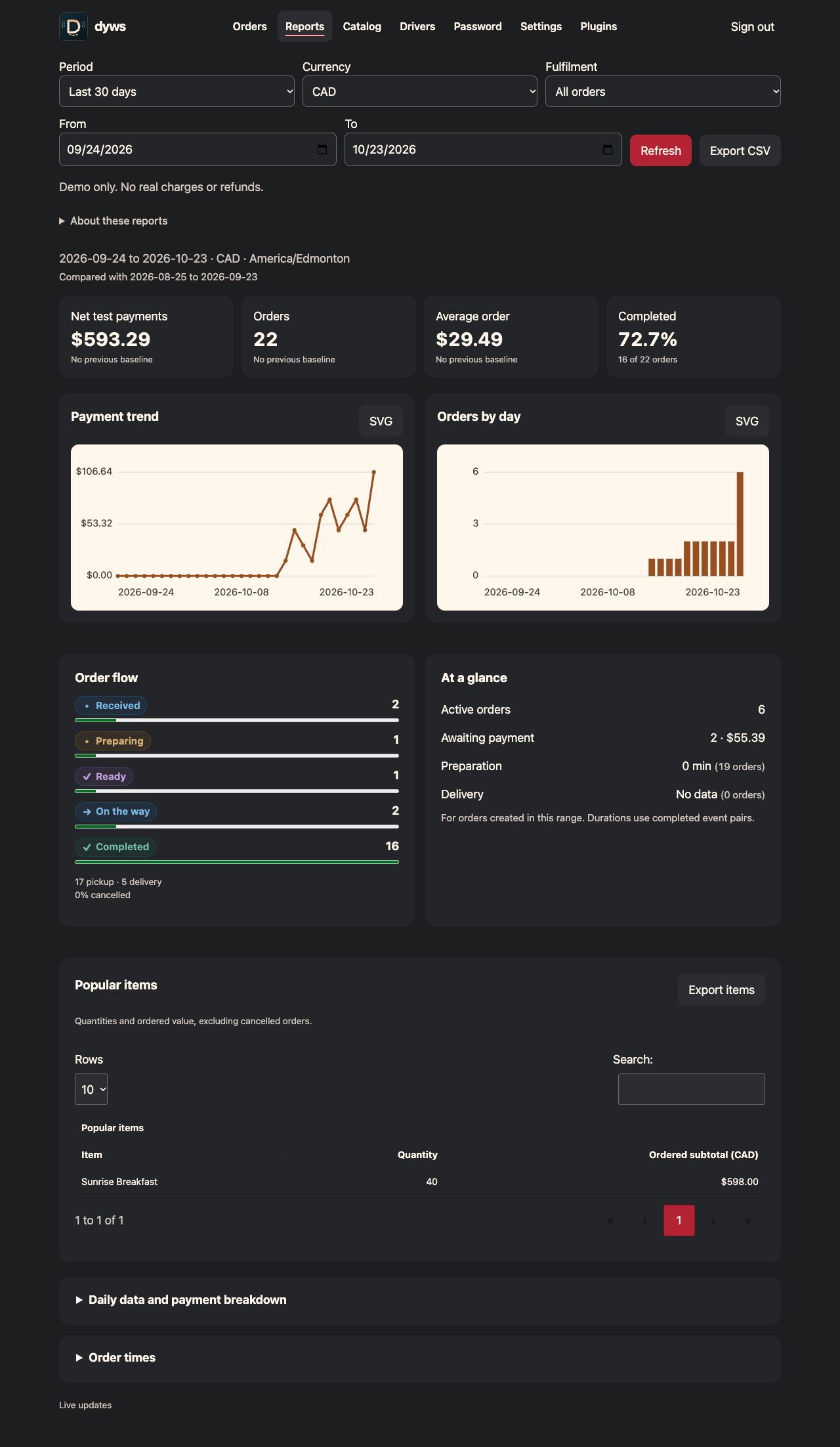
Search and filter active orders, assign drivers and update progress. Plan delivery runs, edit your catalog, compare reporting periods and export CSV data or SVG charts.
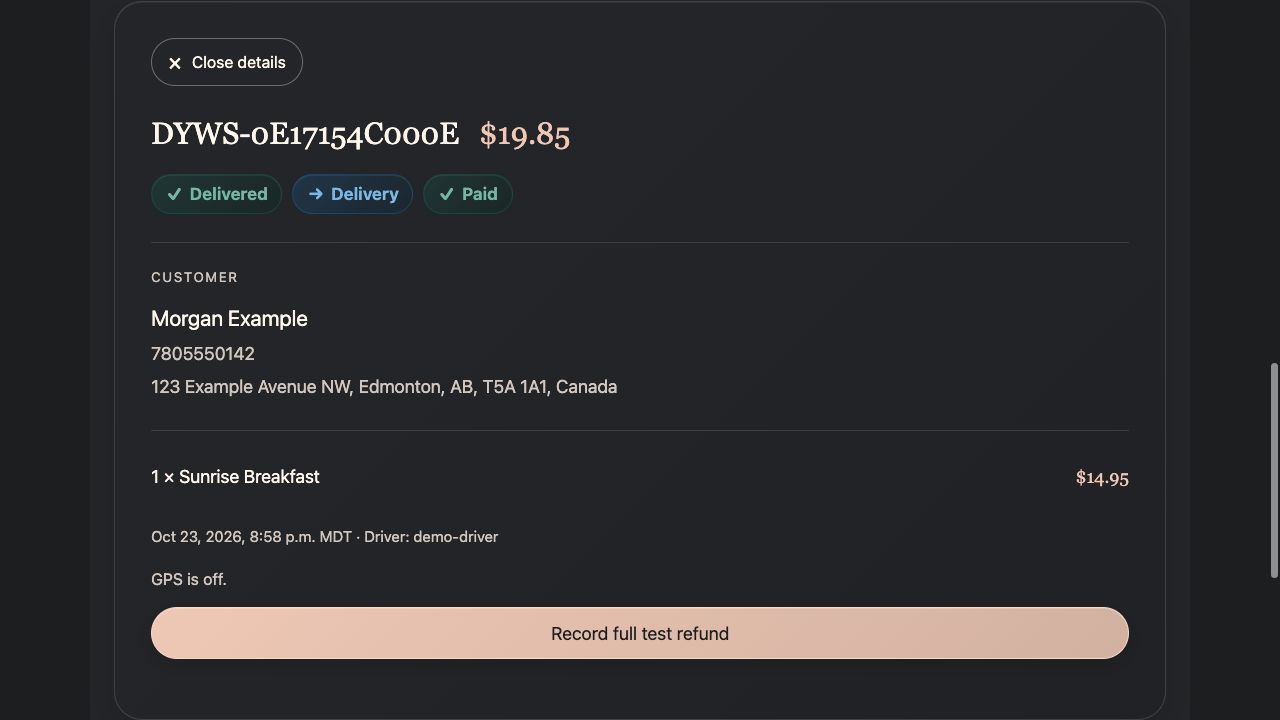
Sign in to see assigned deliveries, contact details and addresses. Follow ordered stops and mark pickup or completion, with status updates reaching the customer and business.
Real screens from a separate installation with fictional records. Open any image for the full screenshot. Catalog, account and integration settings are locked in the public demo. Ordering and delivery run controls remain available.
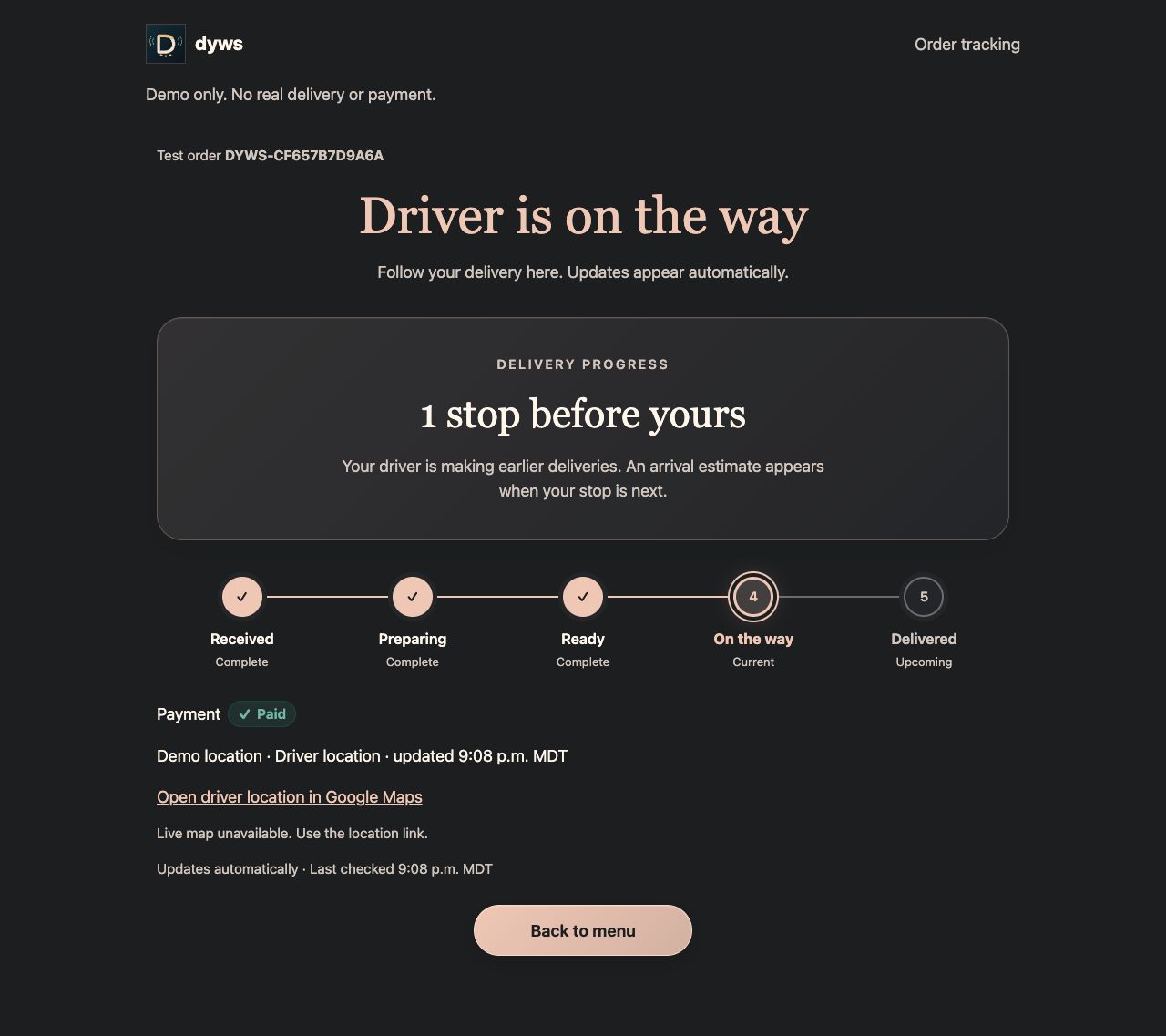
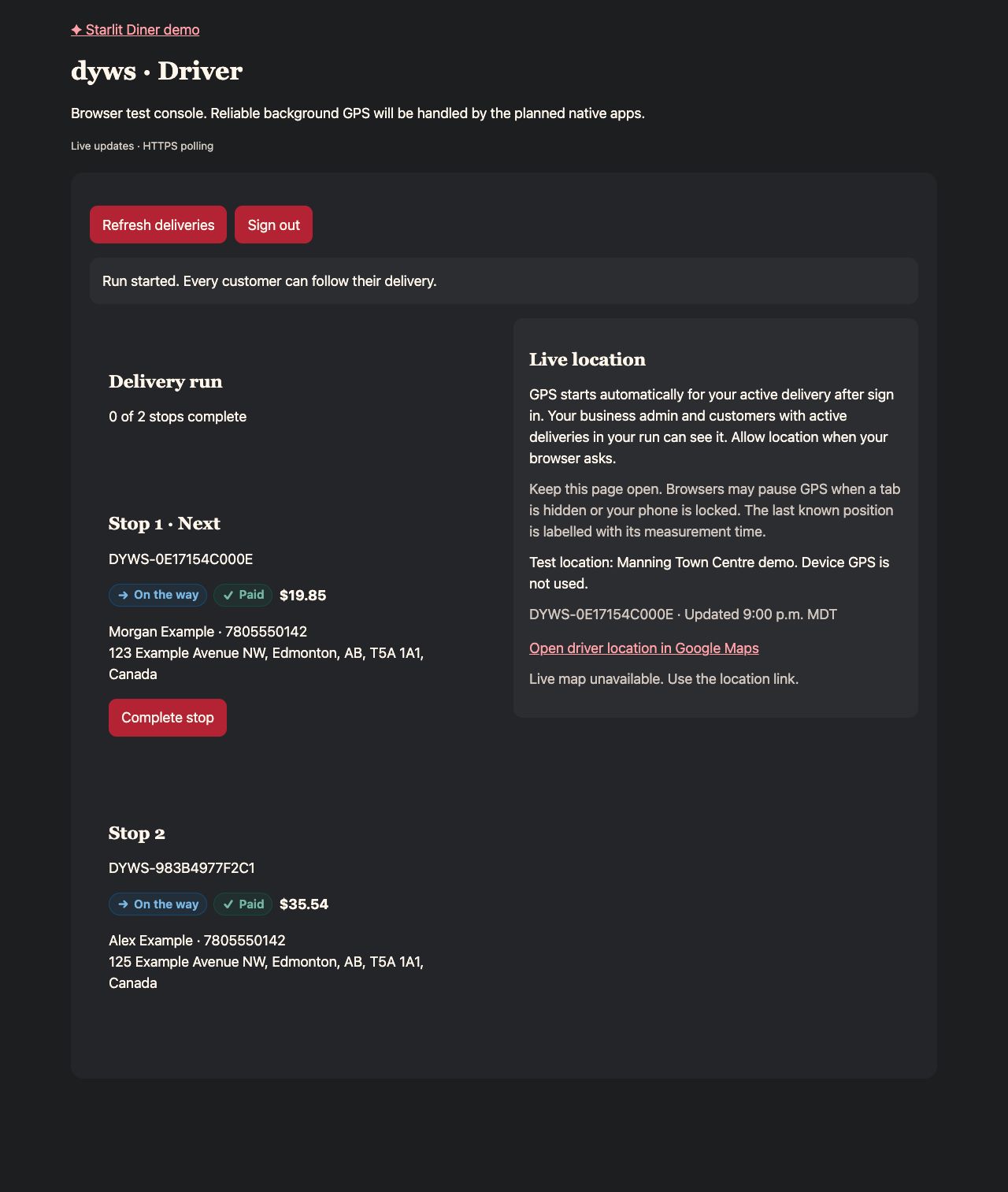
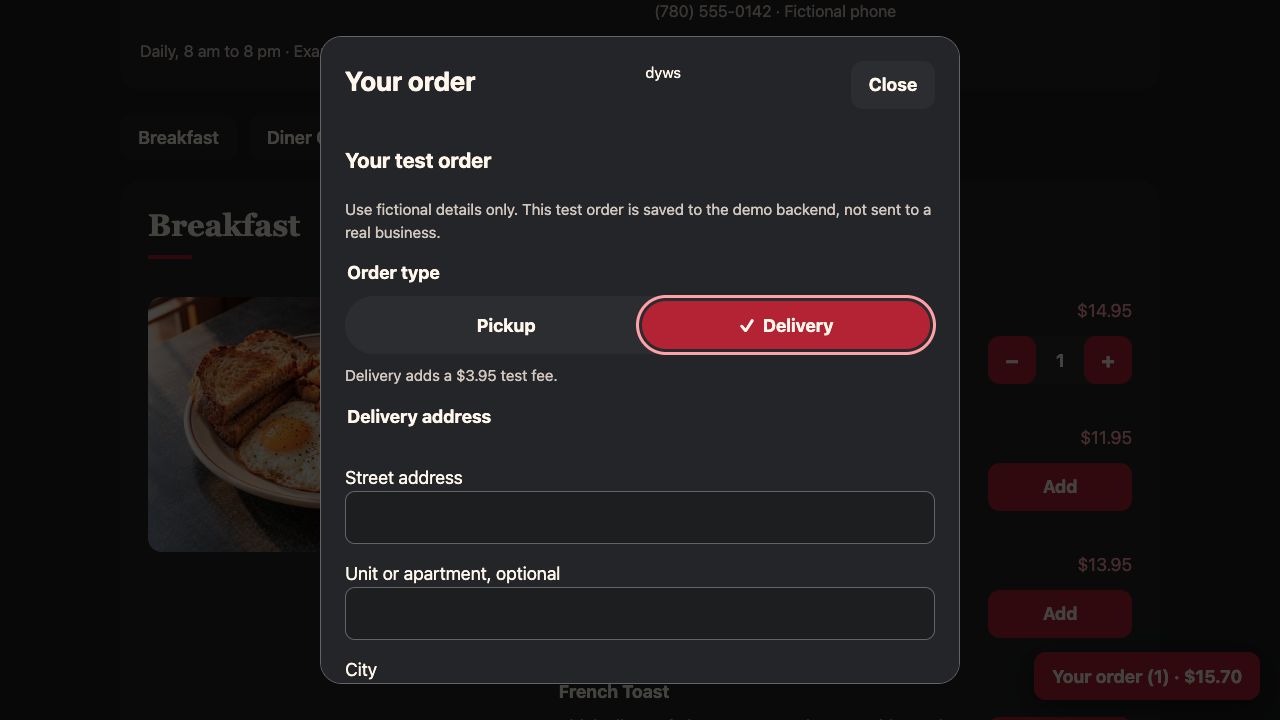
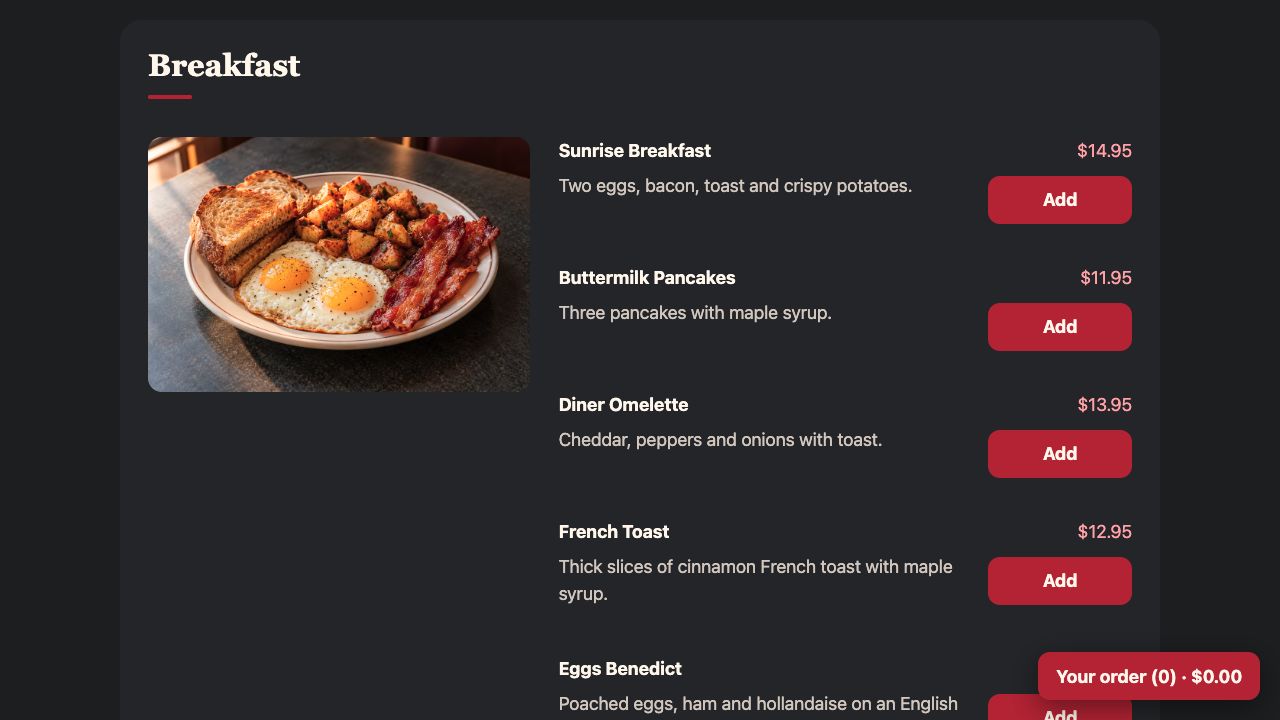
Use the PHP rendering functions, JavaScript modules and scoped CSS to fit dyws into an existing website. Install from Git or the optional ZIP, then follow the browser setup.
Orders and accounts use SQLite. Catalogs and settings use private JSON. Initial page data comes from PHP, with JavaScript handling updates, controls and saves.
Read the complete feature breakdownBundled plugins cover Google Maps, Stripe sandbox Checkout, Order Reporting, DataTables and Demo Lockdown. Documented hooks let other plugins add validation, settings, reporting and display features.
Google Maps can show routes and arrival estimates when configured. The public demo disables live maps and payments. Delivery runs group up to twenty orders with a manual stop order. Native driver apps and automatic route optimization are still planned.
Place a test order, explore the dashboard or try a delivery run. Everyone shares the same fictional demo workspace. Orders expire after 24 hours, and critical settings are protected.
Admin: admin / admin Driver: driver / driver
No real payments or deliveries. Device location is not requested.