status
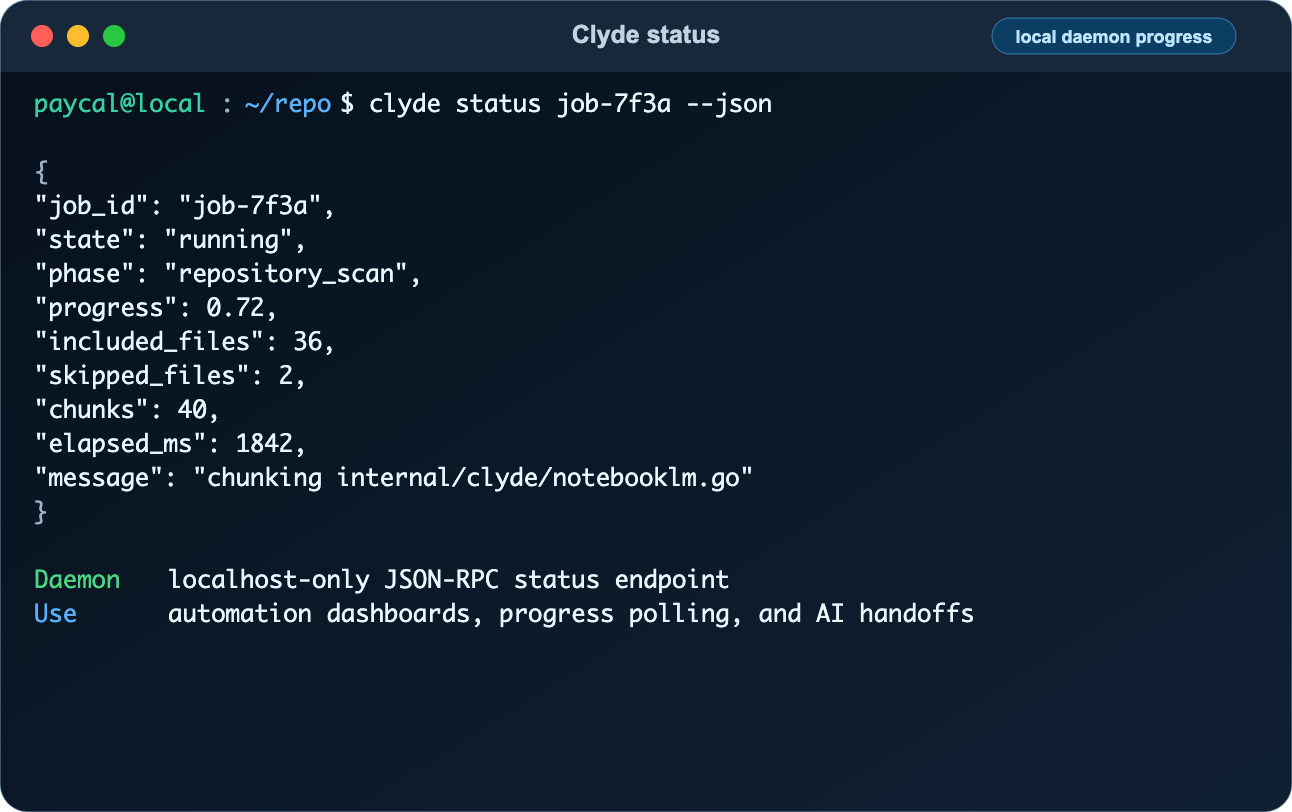
Read Clyde daemon progress for a job.
Syntax#
clyde status [--host HOST] [--port PORT] [--job-id ID] [--json] [--watch]Options#
| Flag | Purpose |
|---|---|
--host | Daemon host. |
--port | Daemon port. |
--job-id | Job id to read. |
--json | Print raw JSON. |
--watch | Poll until terminal status. |
--interval | Polling interval in seconds. |
Examples#
clyde statusclyde status --job-id clyde-syncclyde status --job-id clyde-sync --watchExample Use Cases#
Inspect or watch progress emitted by sync when --status-url is configured.
Safety Notes#
Clyde is a local workflow harness, not an operating-system sandbox. Review bundles before upload, keep NotebookLM notebooks private, and avoid sending secrets, customer data, production records, tokens, credentials, browser state, or private keys.