tui
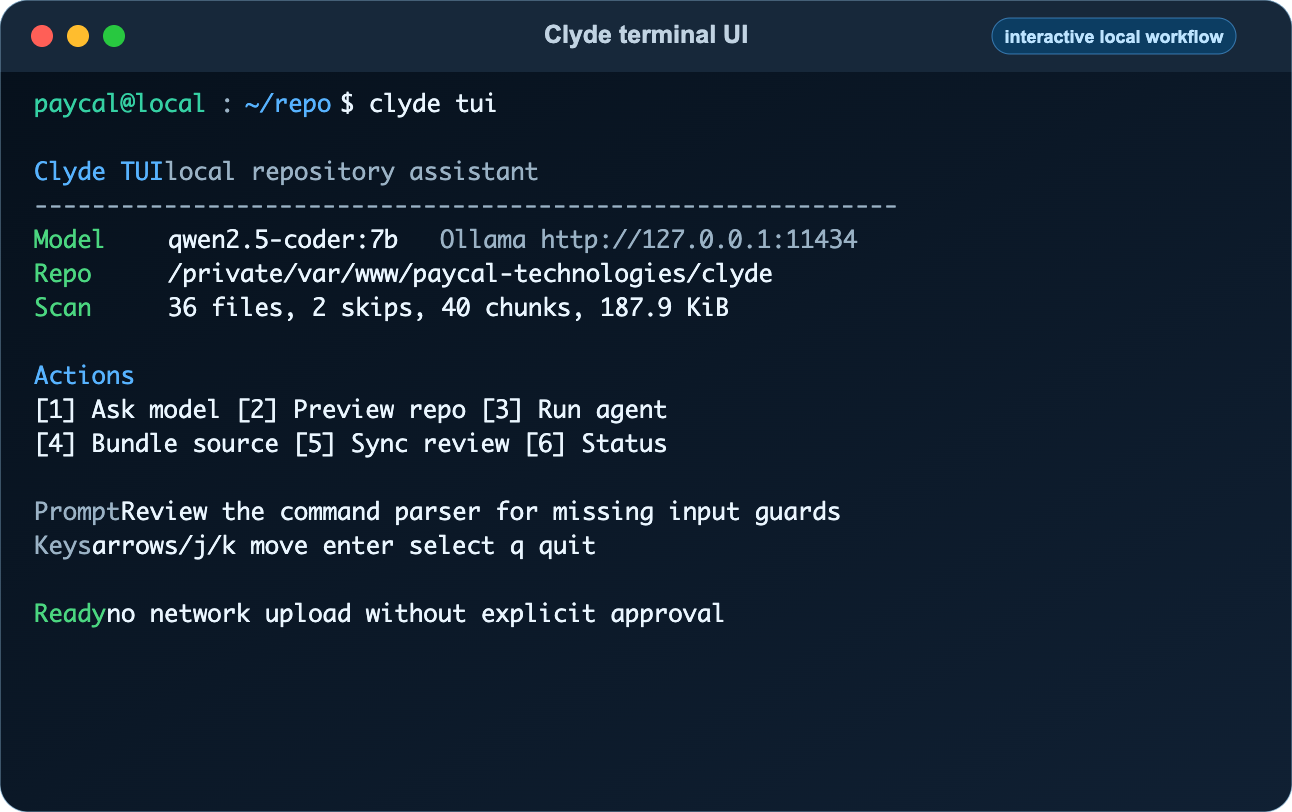
Open Clyde's dependency-free terminal UI.
Syntax#
clyde tuiOptions#
This command has no flags.
Examples#
clydeclyde tuiExample Use Cases#
Use the TUI to list/select local Ollama models, ask the selected model, preview the current repository, and run the local feedback agent.
Safety Notes#
Clyde is a local workflow harness, not an operating-system sandbox. Review bundles before upload, keep NotebookLM notebooks private, and avoid sending secrets, customer data, production records, tokens, credentials, browser state, or private keys.